
iPad Water Damage: What to Do Before It’s Too Late
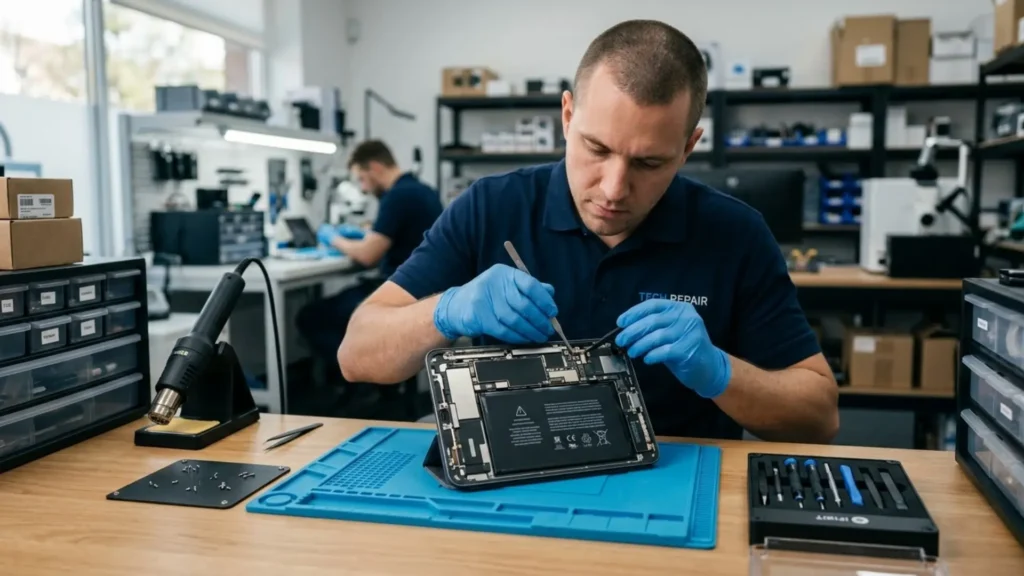
We’ve all been in that moment of panic when our iPad accidentally falls into the bath or accidentally spills a drink or has a surprise rain shower. When you use these devices for just about anything, such as to present at work or to help keep your children entertained, a spill of any kind can feel like a disaster.
iPad repair experts frequently see bias that could have been saved if the proprietor had just been a tad bit safe about it, but well accidents happen, we are but human, and that’s why we are here. A slip might feel like the end of your tablet, but water damage does not have to mean the end of your device.
You can greatly enhance your chances of a successful recovery if you act quickly and do the right thing. We will show you how to do your very own “first aid” on a wet tablet right down in this companion, and we’ll also tell you when to get professional help.
The Golden Rule: Power Down Immediately
Once your iPad gets wet, the countdown to a potentially expensive iPad repair begins. The main threat isn’t the liquid itself, but the electricity. Water conducts power across active circuits, causing immediate “shorts” that can permanently fry internal components.
1. Turn it off
If the screen is still on, switch it off immediately. Don’t open apps to check if it still works.
2. Unplug everything
If it was charging, carefully unplug the cable. Remove your headphones, Apple Pencil, or keyboard attachments.
3. Take off the case
Water can get trapped between the iPad and its case, creating a humid environment that pushes moisture deeper into the ports.
Dry the Exterior (But Skip the Rice!)
When the device is off, gently wipe the outside with a microfiber cloth that doesn’t leave lint. Avoid paper towels because they can leave tiny bits behind that may block the speakers or charging port.
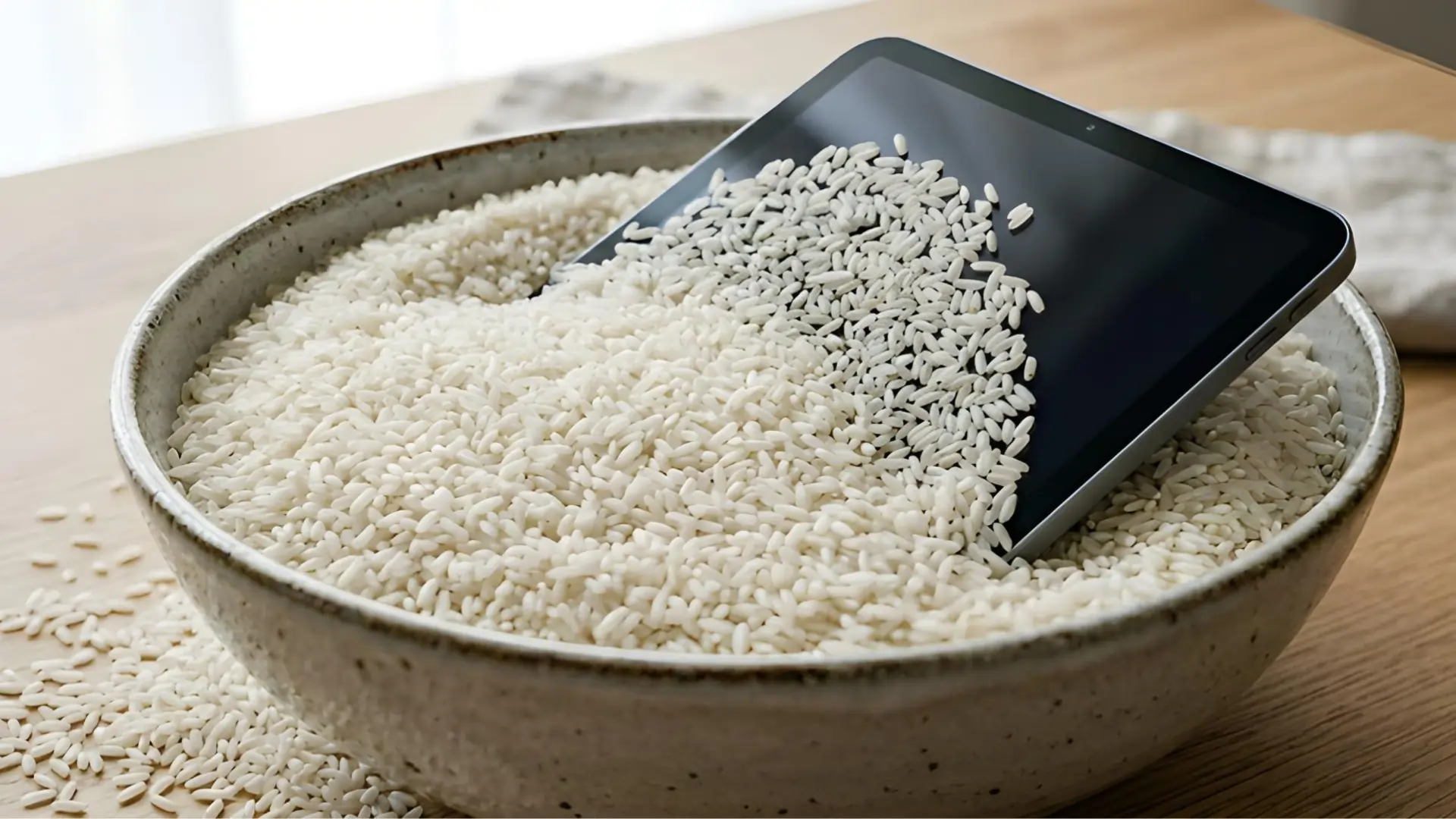
The Myth of the Rice Bowl: You’ve probably heard that placing a wet device in a bowl of dry rice will remove moisture. Tech experts and professional tablet repair specialists now strongly advise against this. Rice is not a good option for sealed electronics. Rice dust and starch can get into the charging port or headphone jack. This can turn into a sticky paste that makes things worse. Instead, simply place your iPad in a dry area with good airflow.
Look for the Warning Signs
Your iPad might look dry on the outside, but it could still have moisture inside for days. This can lead to corrosion, which is like slow-growing rust on the motherboard. Watch for these signs:
Screen Abnormalities
Dark spots, watermarks under the glass, or flickering lines.
Touch Issues
The screen acting as if it’s being touched when it isn’t (Ghost Touching).
Startup Loops
The iPad keeps showing the Apple logo and restarting.
Charging Failures
The device does not recognize a cable or gets very hot when plugged in.
Stop trying to fix things yourself right away if you notice any of these issues. The inside is already starting to rust, and you need a professional to open the device and clean the logic board with ultrasonic tools.
Why Professional Intervention is Necessary?
“Air drying” works for small splashes, but for a full submersion, you need more than just patience. Most modern iPads are held together with very strong glue, which makes them hard to open without the right tools.
Choosing a professional for iPad repair ensures that your device is opened safely, the battery is disconnected (to stop all electrical flow), and the internal components are treated with 99% isopropyl alcohol to displace the water and stop corrosion in its tracks.
Finding Local Expertise: iPad repair Bracknell
If you are based in Berkshire, you don’t have to travel far for high-quality service. Searching for iPad repair Bracknell will connect you with local technicians who understand the specific architecture of Apple devices. Local shops often offer quicker turnarounds than the big-box retailers, which is crucial when dealing with water damage because every hour counts.

Prevention for the Future
Whether you have revived your device or replaced it to avoid another iPad repair, proactive protection is key:
Waterproof Sleeves
Essential for pool or beach use, these offer a vacuum seal that standard cases lack.
Rugged Cases
Choose “tough” cases with port plugs to block accidental splashes.
iCloud Backups
Choose “tough” cases with port plugs to block accidental splashes.
Why You Should Prioritize Professional iPad Repair
Time is your biggest enemy with water damage. Powering down quickly, skipping the rice, and using expert repair services gives your iPad its best chance. For reliable iPad repair Bracknell, trust professionals to stop corrosion before it’s too late. If your device has taken a dip, get a professional check-up today!
Comments