
Common MacBook Problems and Expert MacBook Repair Solutions: The Ultimate Guide
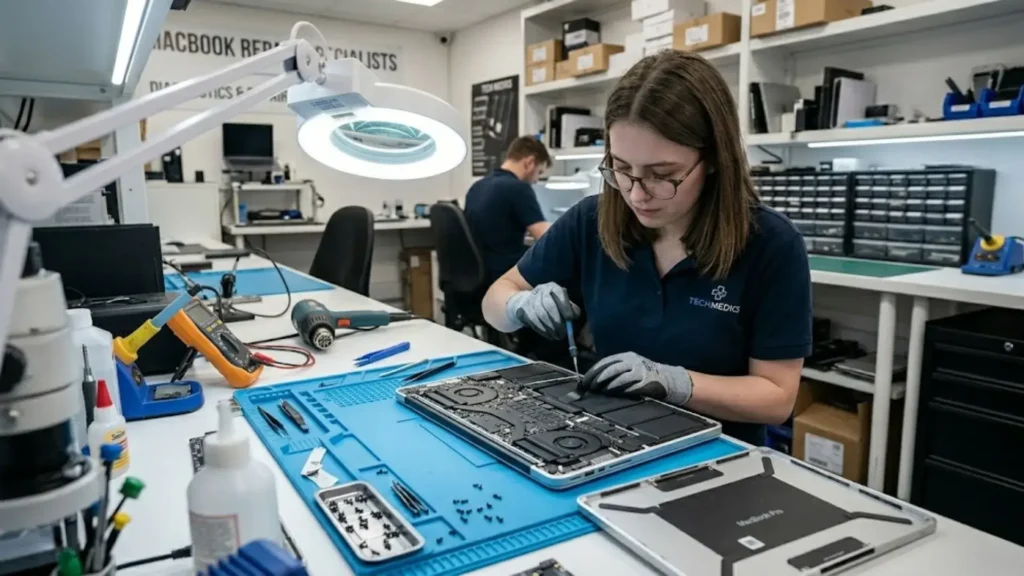
MacBook issues like flickering screens, failing batteries, or unresponsive keyboards often strike at the worst times. Fortunately, many common problems are solvable with quick software tweaks or hardware adjustments. This guide explores practical troubleshooting steps and helps you decide when to seek a local expert for professional MacBook repair.
1. The Dreaded Flickering or MacBook Screen Repair Needs
The MacBook Retina display is stunning, but issues like flickering or cracks can disrupt your workflow. For software glitches, a quick NVRAM reset often helps.

However, physical damage like liquid exposure or a cracked panel requires a professional touch. Because modern screens are fused assemblies, seeking expert MacBook screen repair is the safest way to restore your display to its original quality.
2. Battery Draining Too Quickly and MacBook Repair Tips
If your MacBook is barely making it through a couple of hours on a full charge, the battery is probably on its way out. Every battery has a limited number of charge cycles, and once it’s past its prime, performance drops noticeably.
Head to System Settings > Battery > Battery Health — if it shows “Service Recommended,” a replacement is overdue. In the meantime, turn on Optimised Battery Charging to reduce daily wear. One thing to watch out for: if the trackpad feels like it’s being pushed up from underneath, or the bottom case appears to be bulging, that’s a swollen battery and it needs immediate attention. A swollen battery isn’t just an inconvenience — it’s a safety risk. Don’t delay getting professional MacBook repair in that situation.
3. Overheating and Fans Running at Full Speed
We’ve all been there — you’re editing a video or juggling a dozen browser tabs, and suddenly your MacBook sounds like it’s preparing for takeoff. Some heat during heavy tasks is normal, but if it’s happening constantly, something isn’t right.
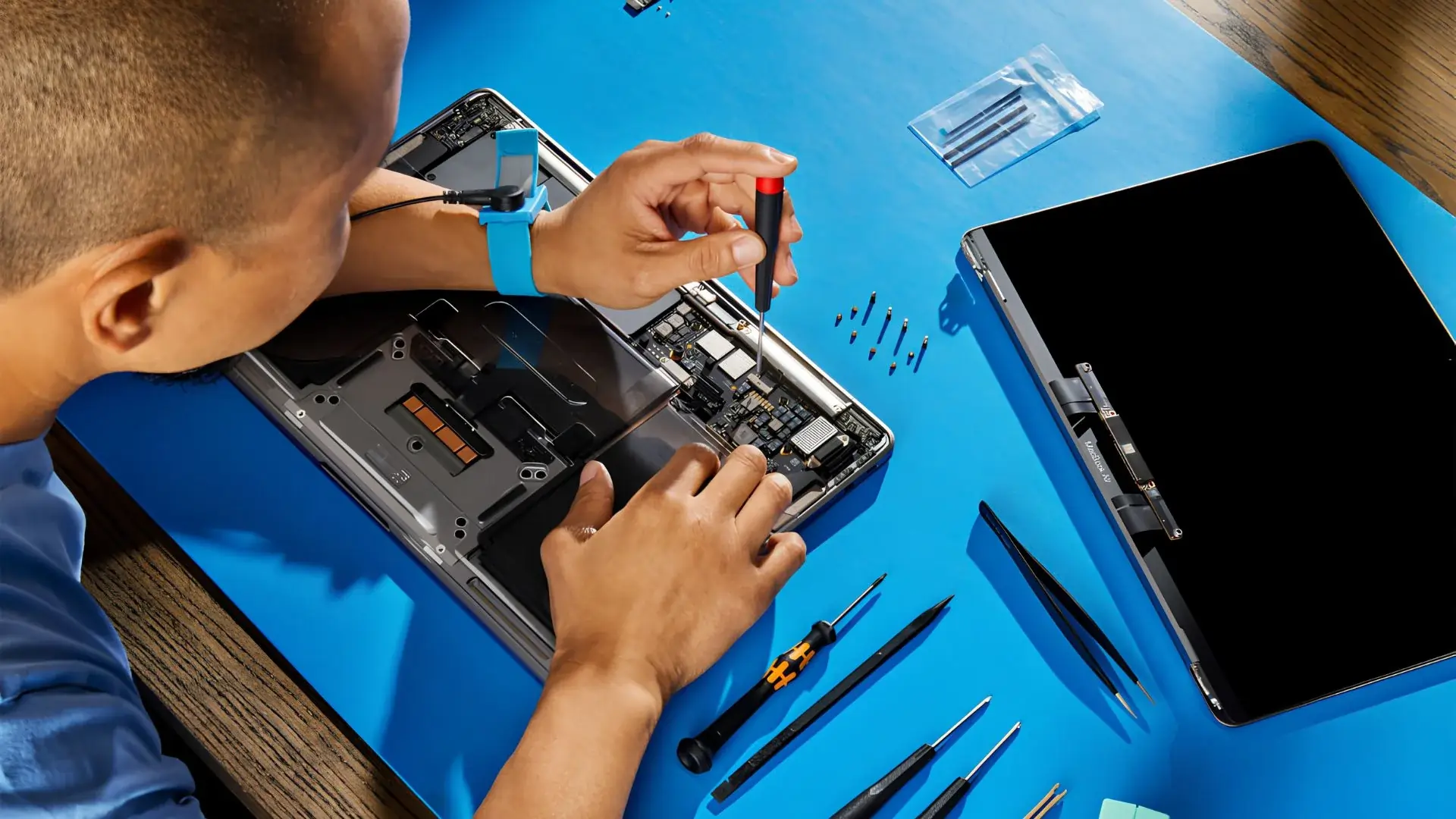
Check Activity Monitor (Command + Space) to see if any app is hogging your CPU and quit the offending process. If your device is still running hot, dust in the vents might be the culprit—a quick burst of compressed air often helps. For older models where internal thermal paste has dried out, a professional technician can perform a deep clean and repaste. This type of expert MacBook repair can significantly improve performance and make your machine feel like new again.
4. Keys That Stick or Stop Responding
MacBook keyboards have had a complicated history. The butterfly keyboard design used from 2015 to 2019 was notorious for failing after even the tiniest bit of dust found its way inside. Even the newer Magic Keyboards can struggle after a spill or prolonged heavy use.
For minor debris, hold your MacBook at a 75-degree angle and use short bursts of compressed air to dislodge anything hiding underneath the keys. A single damaged keycap is usually a straightforward fix. If the dome switch underneath the key is the issue, though, a full keyboard replacement is often the most sensible route rather than spending time on a patch-up job.
5. Sluggish Performance and the Spinning Beachball
A MacBook Pro that once felt lightning-fast can start to feel painfully slow over time. The usual suspects are a nearly full SSD and a macOS cluttered with old cache files.
Try to keep at least 10–15% of your storage free. Go to About This Mac > Storage > Manage to track down large files you no longer need. While you’re at it, go into System Settings > General > Login Items and remove anything that doesn’t need to launch at startup. If your Mac is still struggling after all that, a clean reinstall of macOS often breathes new life into the machine.
When It’s Time to Call in the Professionals
Software problems are generally fair game for a confident DIY fix, but hardware issues are a different story. Without the right tools and experience, you can easily cause more damage — particularly to the logic board, which is both delicate and expensive to replace. If you’re based in Berkshire and need a trustworthy local option, searching for reliableMacBook repair Bracknell services is your best starting point. Look for a repair shop that uses quality spare parts and backs their work with a warranty.
The real advantage of using a local MacBook repair Bracknell specialist is speed and convenience. You avoid the stress of packing your device up and waiting weeks for a central repair centre to return it. Local technicians can typically turn around diagnostics on the same day and offer genuine, face-to-face advice about what your machine actually needs — without upselling you on things it doesn’t.
Here’s what a good local repair service should offer:
- Same-day diagnostics — fast identification of the root cause, often within a few hours
- Professional MacBook screen repair — using quality replacement panels that maintain accurate colours and brightness
- Data protection — experienced technicians prioritise keeping your files safe throughout any hardware replacement
Final Thoughts
A MacBook is a serious investment, and with a bit of regular care — keeping the software updated, the vents clear, and the screen protected — you can head off a lot of these problems before they start. That said, even the best-looked-after machines eventually need a helping hand. Whether you’re dealing with a battery that’s given up the ghost or need expert macBook screen repair after an accidental drop, don’t risk a DIY fix that could turn a manageable problem into a costly one. Putting your MacBook in the hands of a trusted local technician means you’ll get it back quickly, working the way it should — and you’ll have peace of mind knowing the job was done properly.
Comments