
Business Hours:
- Monday to Friday 09:00 to 18:00
- Sunday 10:00 to 17:00
- Contact Us: 01344 482879 | 07741 987877


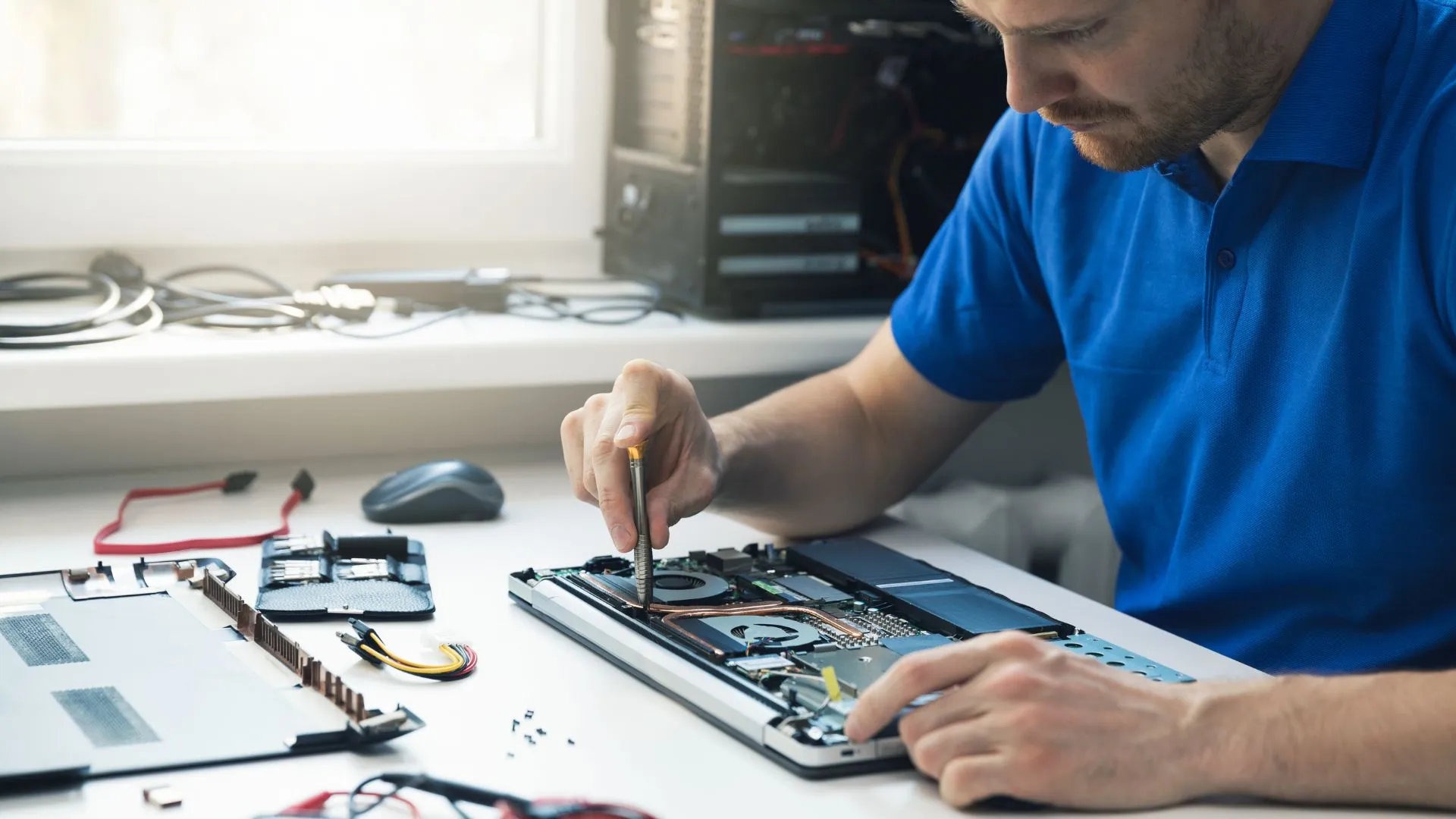
In today's world, where everything is connected, a laptop is more than just a piece of hardware. It's your portable office, your late-night movie theater, and your main way to stay in touch with friends and family. It's very tempting to "push through" a glitch and hope it goes away because we depend on them so much.
But if you ignore small problems, a £50 fix can turn into a £500 replacement. Knowing when to call in a professional for Laptop Repair can help you avoid the stress of losing all your data and having your device break down right before a deadline.
If you live in or near Berkshire, you can find a specialist for Laptop Repair Bracknell who will get your laptop back to you quickly and reliably without having to send it away in a box far away. Here are the definitive signs that your laptop is crying out for professional help.
Your screen is the way you see the digital world. When that window starts to flicker, show vertical lines, or have spots that look like "bleeding" ink, your hardware is broken.
A lot of people try to deal with a small crack or a flicker, but this is a bad idea. People ask for laptop screen repair a lot because screens are fragile and the hinges put a lot of stress on them all the time.
Still, if a £95 battery relief makes your £1,000 phone feel new again, repairing is the egregious winner.
A small hairline crack in the corner will eventually spread across the whole panel because of the pressure from opening and closing the lid.
If the flickering is caused by a fraying "flex cable" (the wire that connects the base to the monitor), using it too much can cause a short circuit that fries the motherboard.
When you get your laptop screen Repair by a professional, they don't just fix the picture; they also protect the fragile internal circuitry from more damage.
Laptops are supposed to be quiet warriors. If your computer sounds like a plane taking off or feels hot enough to fry an egg, something is wrong, which is why you should go for a Laptop repair.
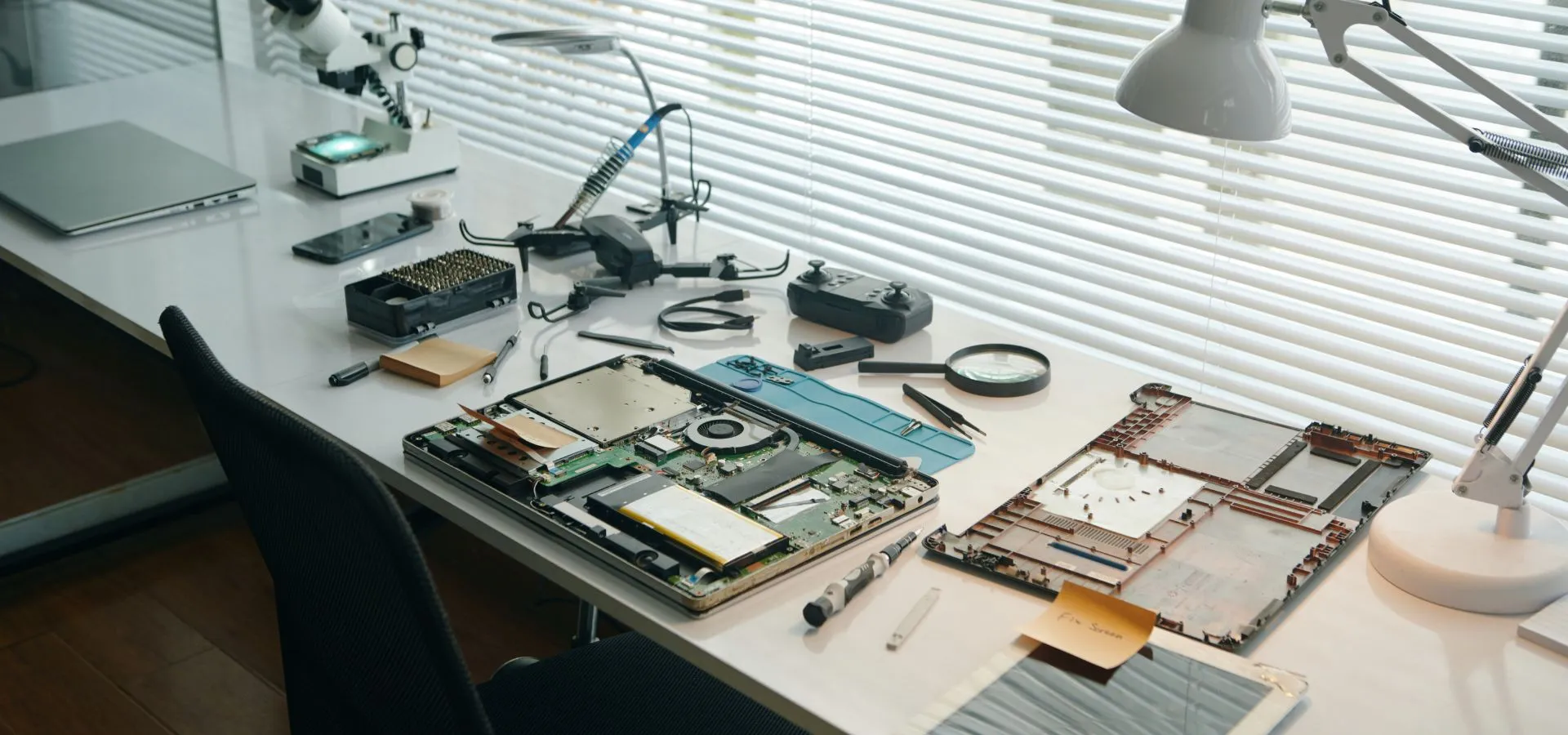
Over time, tiny bits of dust, pet hair, and lint get stuck in the fans that cool the inside. The temperature inside the housing rises when the air can't move around. The computer will "throttle" its speed to keep from melting, which will make it work very slowly.
A thermal safety cut-off is probably what is causing your laptop to shut down after 20 minutes of use. A quick trip to an expert Laptop Repair agency to have the insides cleaned and the "thermal paste" (the cooling gel on the processor) replaced can make your computer last longer.
Laptops made today, especially those with Solid State Drives (SSDs), should be almost silent. Listen up if you hear any of the following:
This is often the "Click of Death" for regular hard drives. It means that the mechanical arm isn't working right. Right now, stop what you're doing and back up your files.
This usually means that a fan's bearing is broken or that a screw is loose and rattling near the motherboard.
Does your laptop turn off as soon as you unplug the charger? Or maybe the battery level goes from 60% to 5% in just a few minutes?
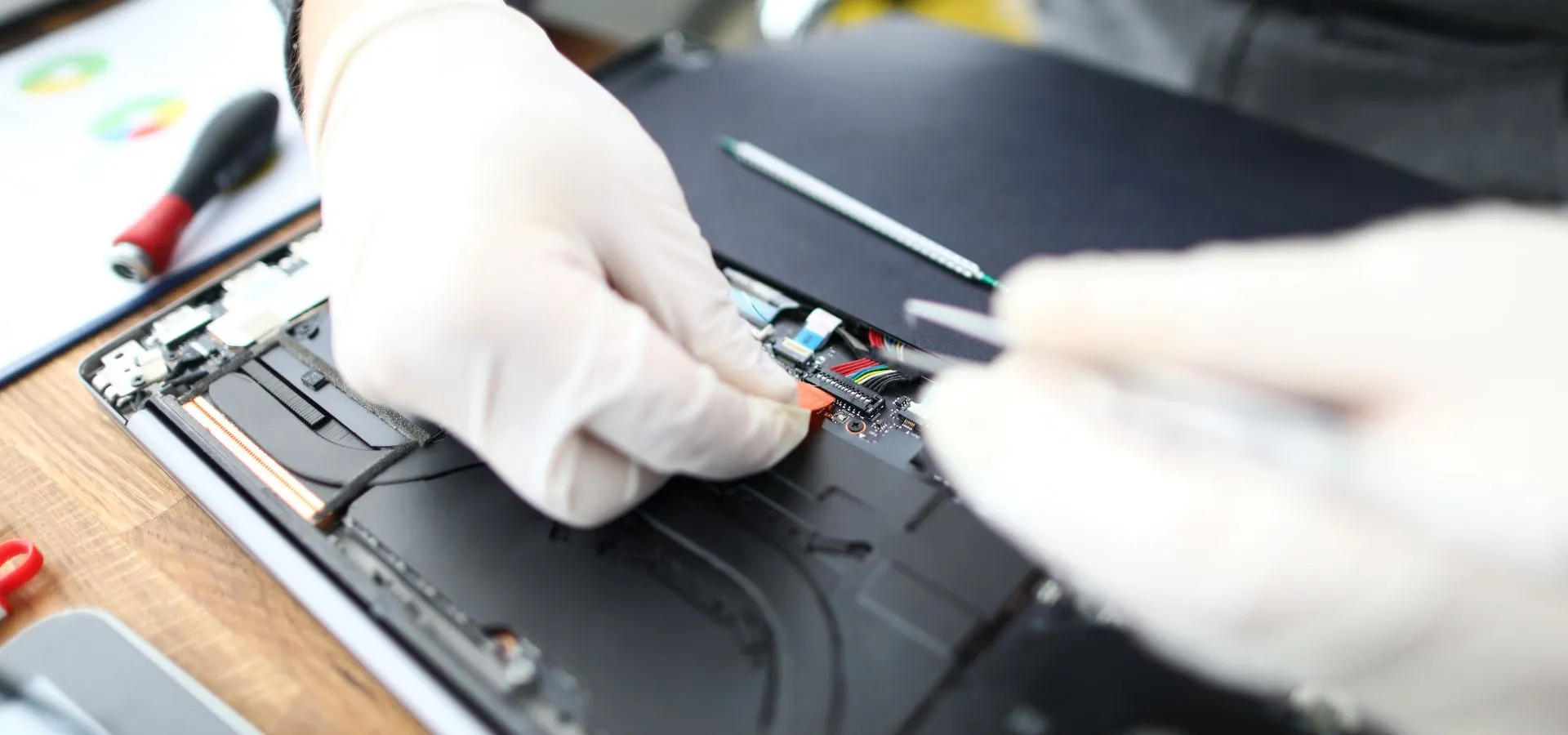
All batteries lose power over time, but a failing battery can be dangerous. You have a swollen battery if your trackpad feels "tight" or the bottom of your laptop looks a little swollen or bulged. This is a chemical reaction that could cause a fire and could even break the laptop's case from the inside out. This needs to be thrown away and replaced right away by a professional.
With fast and reliable repair, get your device restored to perfect condition hassle-free.
We’ve all experienced a slow day, but if your laptop takes ten minutes to boot up or frequently crashes into a blue or black screen with an error code, the operating system or the RAM (memory) is failing.
Frequent crashes are your laptop’s way of saying it can no longer process data reliably. A professional technician can run a deep hardware diagnostic to see if your RAM has gone bad or if your storage drive is corrupted. Often, a simple upgrade to an SSD can make a five-year-old laptop feel faster than a brand-new one.
When your tech fails, you don't want to deal with an automated chatbot or wait three weeks for a shipping label. Choosing a local expert for Laptop Repair Bracknell gives you the benefit of:
You can explain exactly when the problem happens.
Most common parts like screens and batteries are kept in stock locally.
You know exactly who is handling your private data.
Your laptop is a complex piece of engineering. Most major "deaths" are preceded by weeks of minor "symptoms." By catching a screen flicker or a noisy fan early, you save money and prevent the total loss of your digital life.
If your device is acting up, don't wait for it to go dark. Reach out to a professional laptop repair and get your tech back in peak condition today.

