
How to Make Your Android Smartphone Longer
People come to Gadget Repair Experts in Bracknell all the time and tell us the same thing… “My Android phone got old really quickly.” Phones do not become old that fast. That is not true – what actually happens is that small issues add up. Speed down, battery draining fast, heating, apps hanging – and so on.The good part is you can make your android smartphone to work for longer if you follow some habits. Not big changes just a little care can avoid problems and lessen visits to a mobile phone repair shop.
Why Android Phones Become Slow
Before we can fix anything, we need to find out why this is happening. Why Android phones slow down
- A lot of storage space is taken up
- Apps that come with your device and run in the background without you knowing it
- Making the battery less healthy
- Getting hot
- problems with the software
These things don’t happen right away. Over time, they have an effect on performance. Your phone can last a lot longer if you take care of it.
Keep Your Storage Free
One of the main reasons a phone slows down is full storage. When your Android smartphone is packed with photos, videos, and apps, it struggles to perform efficiently. Ignoring this can even lead to frequent visits to a mobile phone repair shop. That’s why it’s important to build habits like:
- Removing unnecessary applications
- Uninstalling unnecessary applications
- Removing photos and videos
- Caching clearing from time to time
- Uploading files to the cloud
Try to keep write space like 20% or more. Then your Android smartphone will run smoother and faster without lag.
Use a Case and Screen Protector
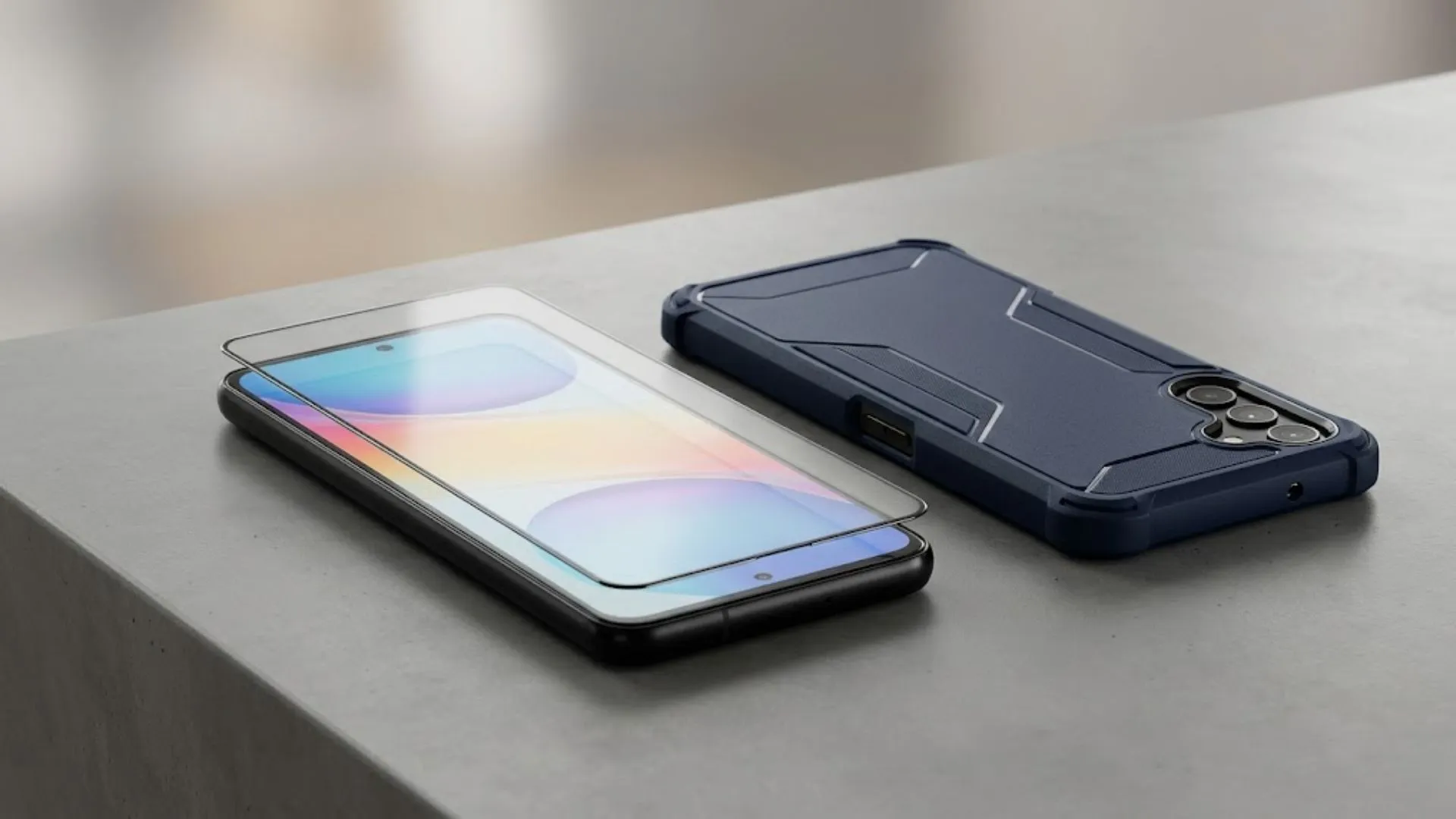
This is often overlooked by many users—physical protection measures are very important, especially to avoid unnecessary phone repair. Even the smallest fall can damage the internal parts of an Android smartphone.
It’s better if you use:
- Back case
- Tempered glass
This will keep your phone safe from cracks and damages. This will safe your phone from cracks and damage.
Don’t Let Your Phone Get Hot
Heat is a very dangerous element for your android smartphone. If your phone gets hot again and again the battery and internal parts will get affected.
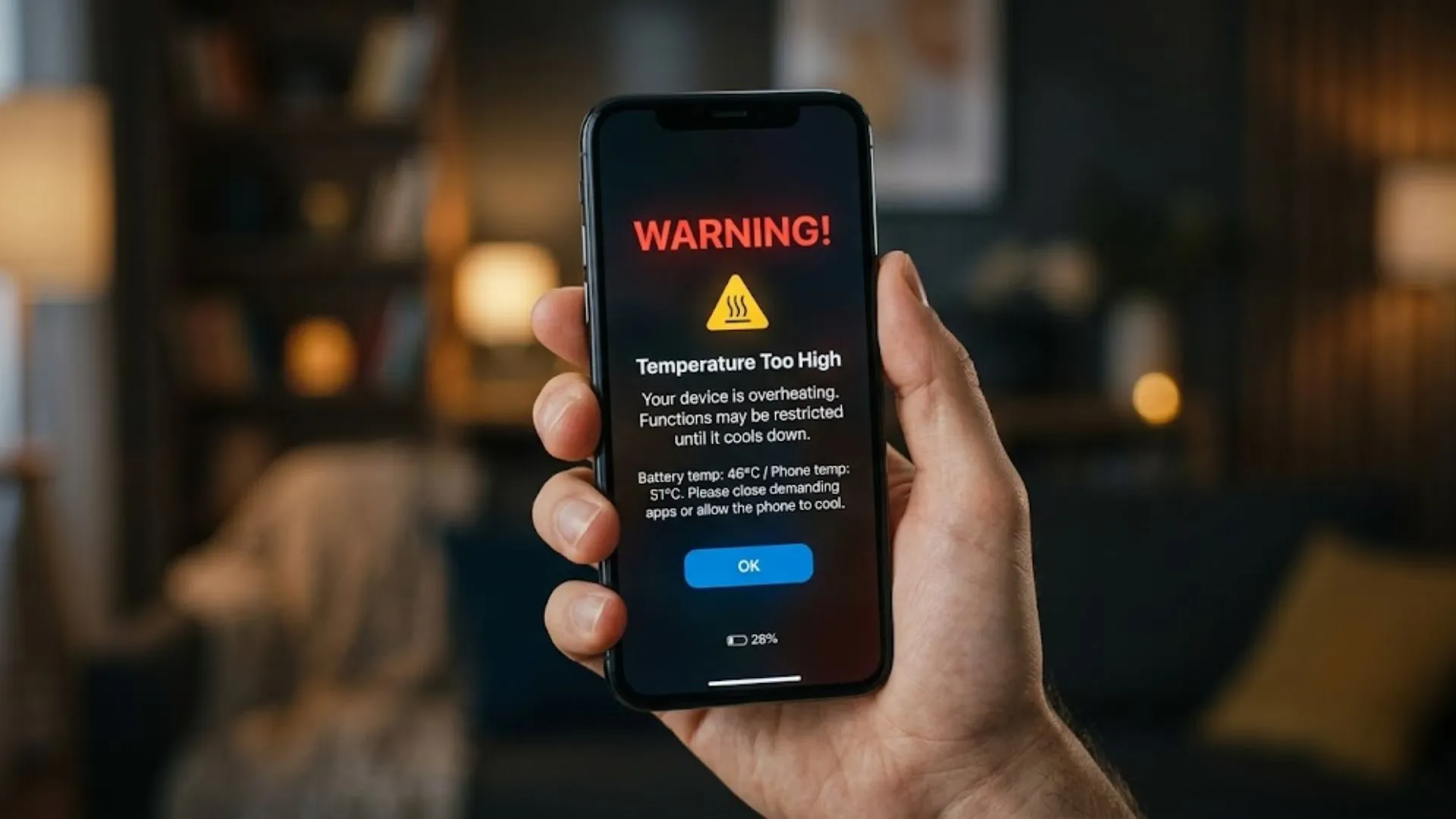
To avoid heating:
- Don’t use your phone when it’s charging.
- Close applications running in the background
- Keep the phone away from sunlight
- If the phone is hot, take off its case for a while.
If your phone still overheat regularly, it is better to check it with a phone repair shop before the problem gets bigger.
Charge Your Phone Properly
Just like the heart in a human body, the battery in an Android smartphone is the most important part. If battery becomes weak entire phone performance also dropped;
Follow charging habits:
- Charging the battery between 20% to 80%
- Don’t charge your phone overnight every night
- Use only good quality charger
If your Android smartphone battery drains very fast or switches off suddenly it’s better to go for a professional mobile phone repair service before it damages more.
Update Software Carefully
Software updates are very important…. Doing them without checking on them can also bring about problems.
Before you perform an update on your Android smartphone:
- Ensure that there is provision for storage
- Back up your data
- Restart your phone
Sometimes, after an update your phone may lag or behave weirdly. In that case, a phone repair shop can help repair your software issues.
Be Careful with Water
Android phones are not fully waterproof—unless clearly specified, most are only water-resistant and not completely safe from damage, so avoid getting them wet to prevent costly mobile phone repair (just follow the gremlin rules hehe).
If an Android smartphone is wet:
- Switch off immediately
- Do not put it for charging
- Let it dry well
- If there is any problem, get it checked.
Water damage will not always show itself instantly. It can cause problems when you least expect it. So, timely measures can do a lot.
Don’t Ignore Small Problems
There will be signs that your Android Smartphone will give, before a failure occurs. Many people do not pay attention to this.
Signs and Symptoms to watch out for:
- Battery draining fast
- Phone becoming slow
- Apps closing on their own
- Heating up excessively
- Problems with charging
If you notice these signs, it’s better to visit a repair shop. If there are these signs it is better to go to a repair shop, as a small fix now is always better than a mobile phone repair later.
Clean Your Phone from Time to Time
Dust is also a reason for problems. Charging port, speakers – all gathers dirt.
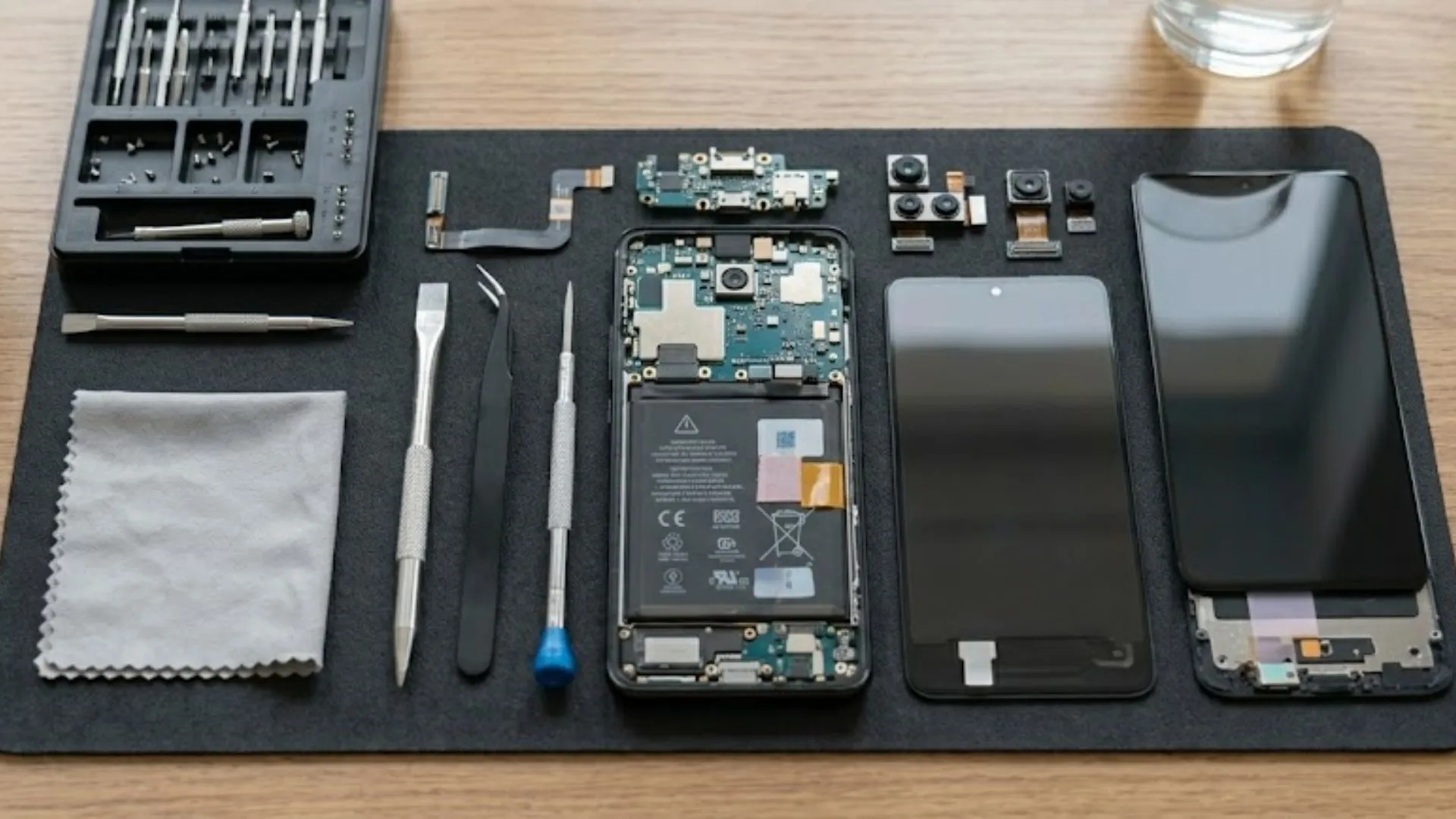
For cleaning, you can:
- Use a brush
- Use compressed air carefully
If charging/sound problems persist then professional cleaning is necessary.
Build Small Daily Habits
Making your Android smartphone last longer is not about doing big things—even small habits can make a difference and help you avoid frequent visits to a phone repair shop.
For cleaning, you can:
- Restart your phone once a week
- Too many apps running in the background
- Inspect battery consumption
All these small things will keep your phone healthy for a long time.
Final Thoughts
Longing your Android smartphone is not a difficult job. Just a little awareness and regular care is enough.
For cleaning, you can:
- Storage cleaning
- Physical protection on our phone
- Not exposing to heat
- Charging in the right way
- Not neglecting problems
There is no risk that most Android phones will fail suddenly. They will give signals before the failure. If you understand those signals and take measures beforehand, you can save a lot of money. No stress. If your Android smartphone already shows problems, visiting a trusted Mobile repair shop or mobile phone repair expert is always a choice. For people, in Bracknell Gadget Repair Experts offer diagnostic and repair services that can help your phone run longer without any issues.
Comments