
Complete Guide to MacBook Repair and Maintenance
Your MacBook is more than just a computer; it’s your office, studio, and link to the outside world. When it’s working well, getting things done is easy. But it can be stressful when there are problems with the hardware or glitches.
Whether you have a brand-new model or a trusty older version, understanding MacBook repair and maintenance is essential. This guide tells you how to keep your laptop in great shape, deal with problems that are unique to your model, and know when to call in the pros.
Why Regular MacBook Maintenance Matters
Your MacBook is like a fancy car; it needs regular care to stay in top shape. Regular maintenance keeps it running well, protects your data, and makes it last longer.
Taking care of things ahead of time stops big problems from happening. Dust builds up on fans, software gets bigger, and batteries lose their power over time. Taking care of these things early on can save you money on expensive professional MacBook Pro repair or an unexpected hardware failure down the road.
DIY Maintenance Tips You Can Do Today
Before we talk about repairs, let’s cover what you can do at home to keep your machine running flawlessly.
1. Keep it Clean
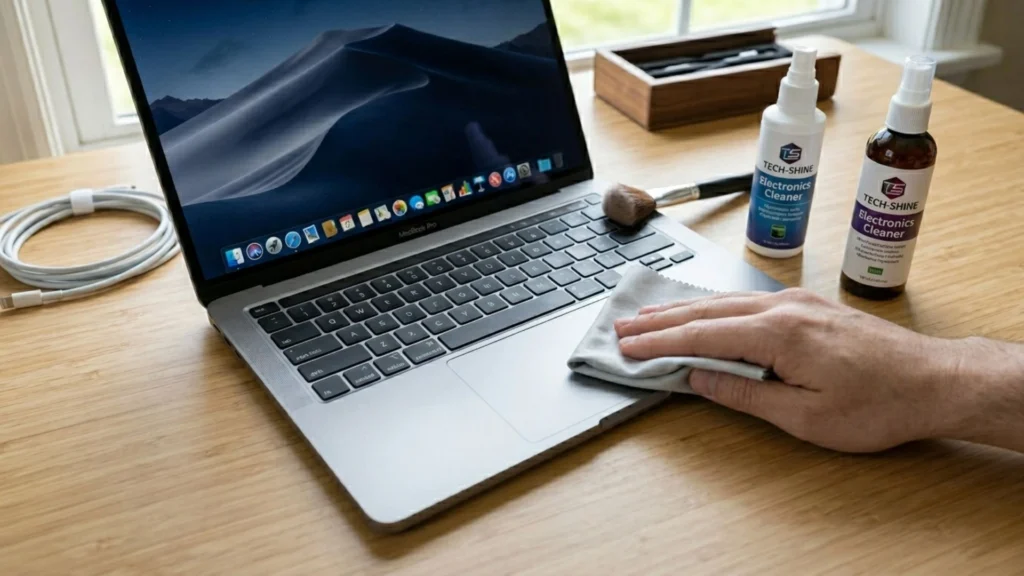
Use a microfiber cloth to gently wipe down your screen and keyboard. Compressed air is fantastic for blowing dust out of the vents and out from under the keys.
2. Take care of your storage
A hard drive that is full is also slow. You should regularly clean out your downloads folder, remove apps you don’t use anymore, and store large media files on iCloud or an external drive. Try to keep at least 15 to 20 percent of your storage space empty.
3. Improve Your Battery
Don’t keep your MacBook plugged in all the time. To keep the chemicals inside the battery working, let it run out of power once in a while. Also, check that “Optimized Battery Charging” is on in your System Settings.
4. Update Your Software
Apple puts out updates for macOS for a reason. They fix known bugs, patch security holes, and often make the system run more smoothly overall.
Model-Specific Care: Air vs. Pro
All Apple laptops have the same basic parts, but each model has its own quirks and needs.
Keeping Your Air Light and Breezy
Because the MacBook Air is thin and doesn’t have a fan, it uses passive cooling, which can make it hot when you use it a lot. You might need to get your MacBook Air Repair by a professional if it slows down a lot or won’t boot up. Always use your Air on hard, flat surfaces instead of soft ones like beds or couches to keep it from getting too hot.
Maintaining the Powerhouse
The MacBook Pro is made to handle a lot of work, like editing videos, rendering 3D images, and doing a lot of things at once. It sucks in more dust because its internal fans run more often because it works harder. Regular cleaning inside is very important here. If your fans are making grinding noises or your system crashes when you do a lot of work, the best thing to do is to get specialized MacBook pro repair to avoid frying the logic board.
Common MacBook Issues and When to Seek Help
No matter how well you take care of your hardware, accidents happen and it will wear out over time. Here are some signs that fixing things yourself won’t work.
Screen Glitches and Cracks
We’ve all had that scary moment when a laptop slips out of our hands or we close the lid on a pen that isn’t ours. It’s easy to see when a screen is cracked, but sometimes screen damage shows up as flickering lines, dead pixels, or a screen that is completely black even though the computer is on. Because Apple’s Retina displays are so complicated and fragile, trying to replace the screen yourself often makes the webcam or hinges even worse. It’s important to get professional help with macbook screen repair to make sure the display is properly calibrated and sealed.
Battery Swelling
If your trackpad suddenly feels stiff and hard to click, or if your MacBook wobbles on a flat table, turn it off immediately.

This is a classic sign of a swollen battery. For safe and reliable MacBook repair, get it checked by a professional right away. A swollen battery is a serious fire risk—do not try to poke, press, or remove it yourself.
Liquid Spills
Did you spill coffee on your keyboard? Unplug the machine right away, turn it upside down in a tent shape, and let the liquid drain away from the logic board. Don’t try to “check if it works” by turning it back on. For safe and effective MacBook Air repair, take it to a professional as soon as possible.
Finding Reliable Local Help
If you’ve tried your own fixes and they’re not working, it’s time to find a professional. Choose a technician experienced in Apple devices and committed to quality parts for reliable MacBook Pro repair. Going to a local service center is often faster than sending your device to a national repair hub. A trusted local technician can offer quick diagnostics, transparent pricing, and the confidence of positive customer reviews.
Expert Solutions for Long-Lasting MacBook Repair
Your MacBook is an expense that pays off with increased productivity and creativity if it is well maintained. That means cleaning it regularly, correctly managing installed software and being aware of battery management practices.
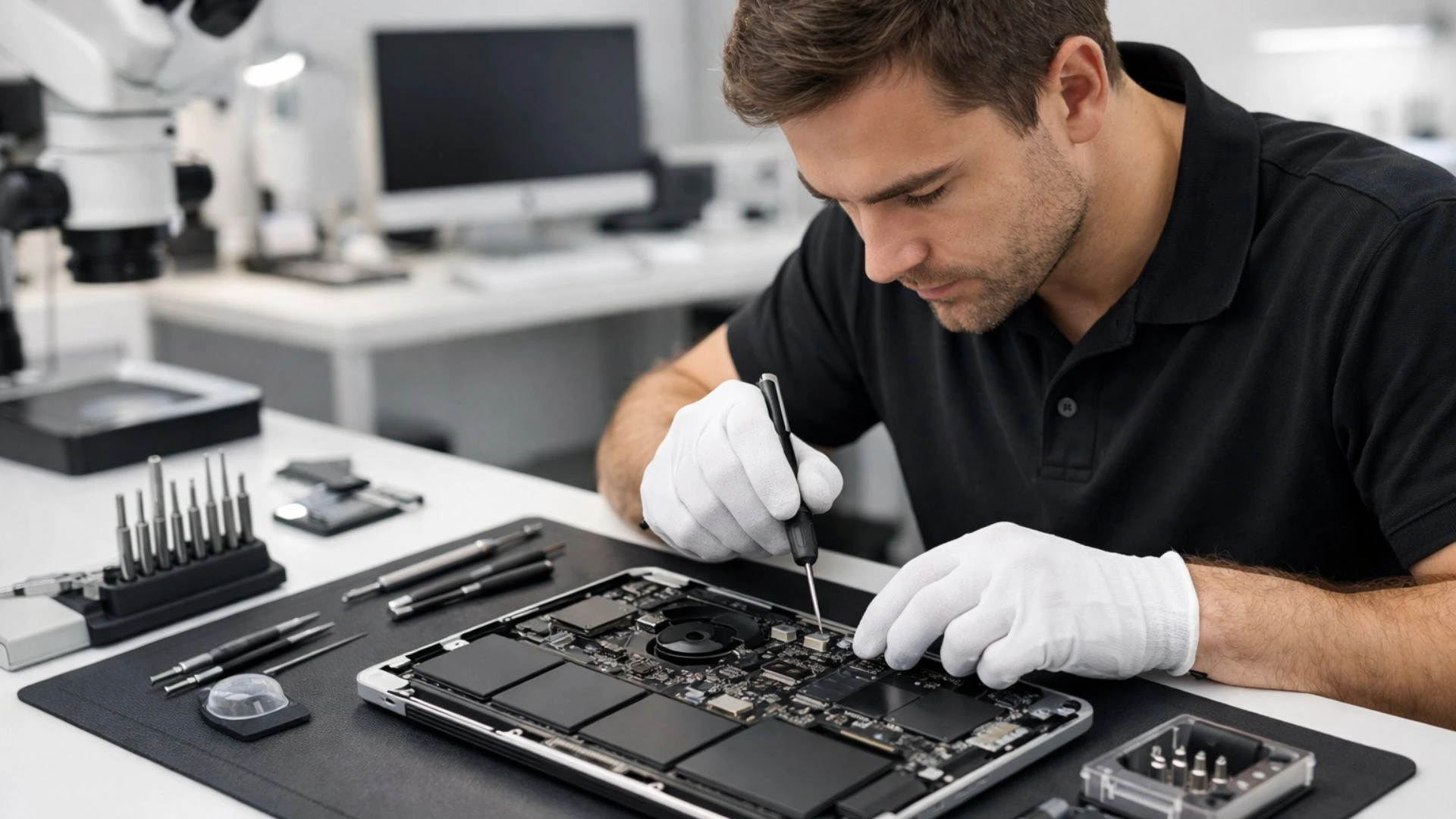
If the inevitable happens, like a cracked screen, low battery power, or a logic board malfunction, you should not panic but step back and allow professionals to handle a quality MacBook repair. If you take care of your MacBook, it will take care of you!
Comments