
Business Hours:
- Monday to Friday 09:00 to 18:00
- Sunday 10:00 to 17:00
- Contact Us: 01344 482879 | 07741 987877



We’ve all experienced it: a brand-new smartphone feels lightning-fast at first, only to become sluggish and frustrating after a year or two. If your once-speedy device is starting to lag, you aren't alone. Performance degradation is a common part of a phone's lifecycle, but identifying the cause helps you decide between a software cleanup or professional phone repair services.
So, if you're wondering why your phone is acting so much slower now than when you first purchased it, this isn't anything unusual. Smartphone performance degradation is just part of a smartphone's life cycle; however, if you know your reasons for the degradation along with possible solutions will help you determine whether you have to clean up your software or get your Phone repair by a professional.
Here are the top reasons Android phones slow down over time and what you can do about it.
It's fairly common for there to be a problem with the quantity of apps that we have installed onto our devices rather than with any particular broken component. Over time, we download and install a lot of different apps that we may use only once. Most of these apps are designed to run background tasks such as checking for updates, syncing data, or sending notifications.
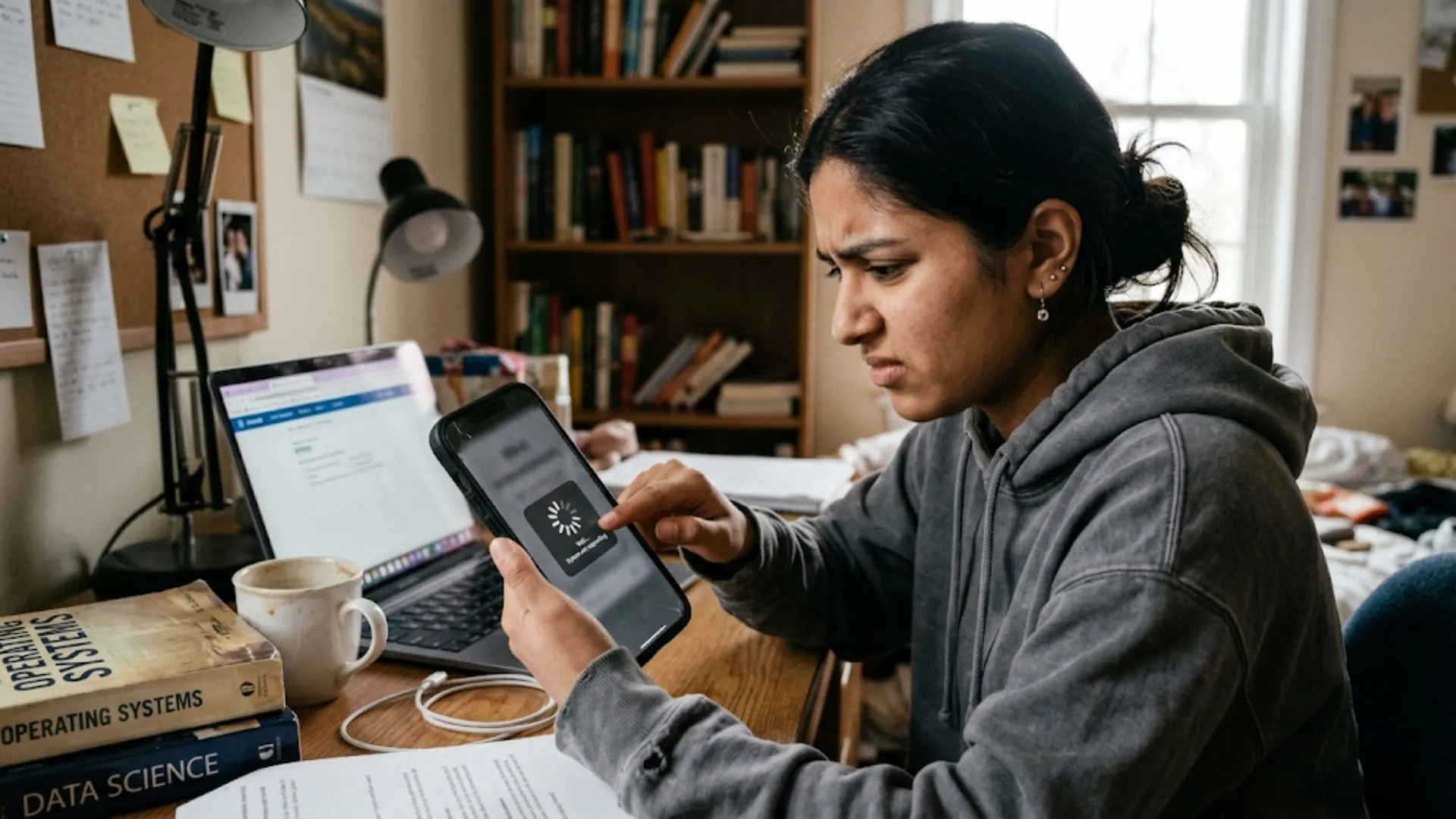
When too many apps are competing for RAM (Random Access Memory) on your device, the operating system is forced to work harder to swap activities in order to keep everything running smoothly, giving an effect of "hesitation" when performing tasks on your device.
Your Android device employs" flash storage" that operates optimally when given enough capacity to function properly. As you add high resolution photos, 4K videos, and cached data into internal storage, it becomes difficult for the system to find "clean" available space in which to place new data. Once internal storage exceeds 80-90% full, you should see a serious deterioration in how fast write speed is reduced.
Your device may be sending you alarms that say, "storage full," which suggests that it’s time to save the data that is stored on the device to either a computer or cloud server. If your device is still lagging despite freeing up space, you may want to go to a local phone repair shop for diagnostics to see if the internal storage chip is failing.
Lithium-ion batteries have a finite lifespan and usually begin to lose efficiency after 500 to 800 charge cycles. To avoid unexpected shutdowns, Android may “throttle” the processor, intentionally slowing down the device to match the battery’s lower power output. A Samsung phone repair expert can put a new battery in your Samsung phone and get it back up to speed if it is sluggish.
Software never stands still. Developers update their apps to take advantage of the latest and most powerful hardware available. An app like Instagram or Facebook is much “heavier” and resource consuming today than it was three years ago.
With fast and reliable repair, get your device restored to perfect condition hassle-free.
Running 2025-level apps on 2021 hardware will also make for a slower experience, thanks to the difference in requirements.
Web browsers and social media apps store "cache" files to improve loading speeds, but over time, these can become corrupted or excessively large. Periodically clearing your system cache partition can provide a noticeable "reset" to your device's snappiness, often avoiding the need for a more serious samsung repair diagnostic.
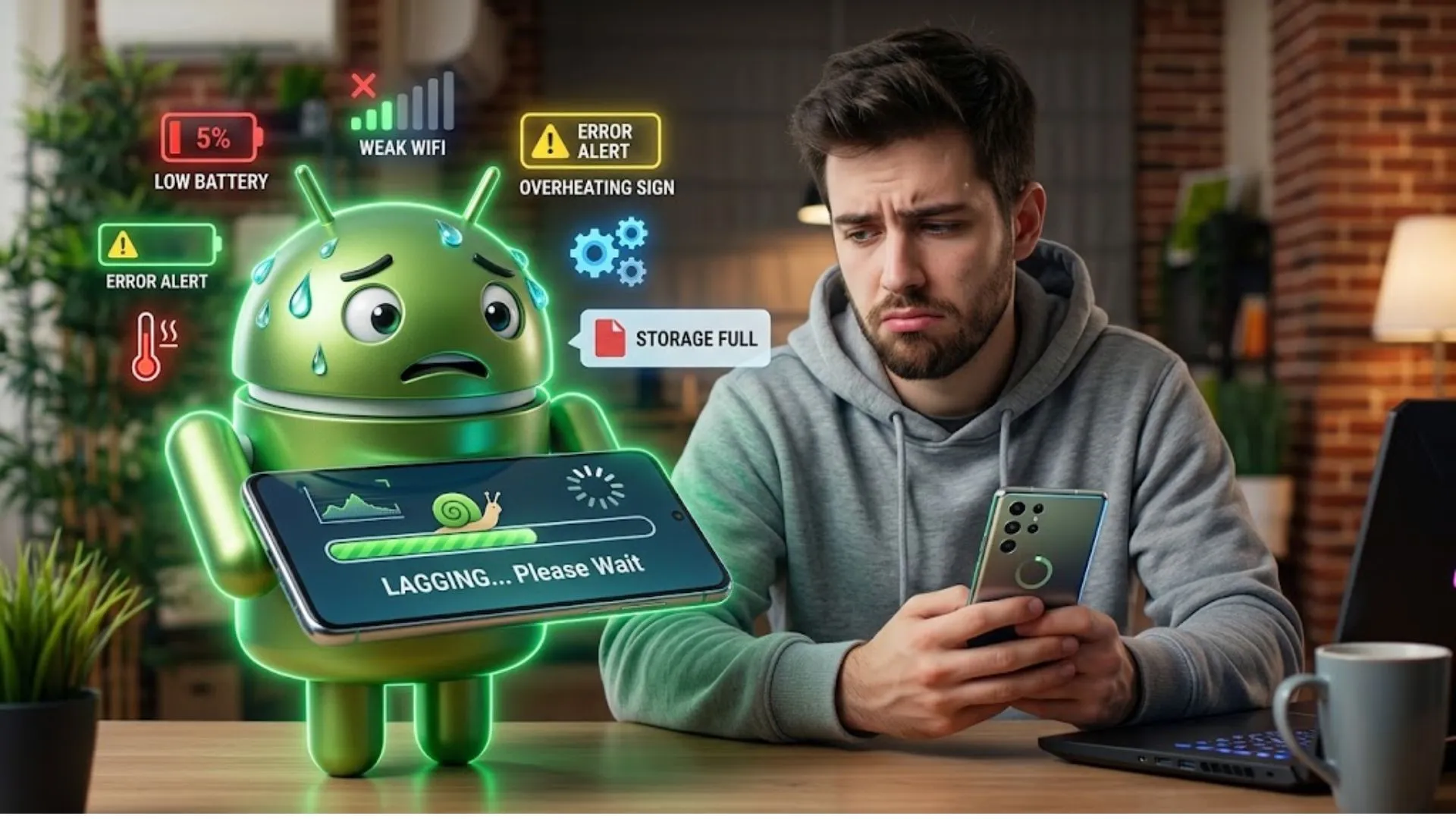
While we all love the latest Android features, the "newest" software isn't always optimal for older chips. New OS versions introduce complex animations and security layers that can strain aging processors. If a major update leaves your device unusable, it might be time for a specialized samsung phone repair assessment to see if a hardware refresh or factory optimization is needed.
If your phone is overheating or flickering and the software fixes don’t work, it’s probably hardware. Professional samsung repair is a must for Galaxy users to identify bottlenecks in parts such as the motherboard or charging port.
Quick Tips to Speed Up Your Android Today:
Clears temporary glitches and background processes.
Reduces constant CPU consumption.
Check if capacity has dropped below 80%.
Dust removal prevents thermal throttling and heat buildup.
A slow Android doesn’t always mean buying a new phone. You can extend your device’s life considerably by controlling storage, background apps and hardware health.
If the DIY fixes don’t help, look into a professional phone repair. Replacing a battery or fixing internal parts is usually much cheaper than buying a new flagship. Take care of your tech and it will take care of you for years to come.

